Kubeflow
First time of Kubeflow
For the user who logs into Kubeflow for the first time, you may see the pop-up window below:
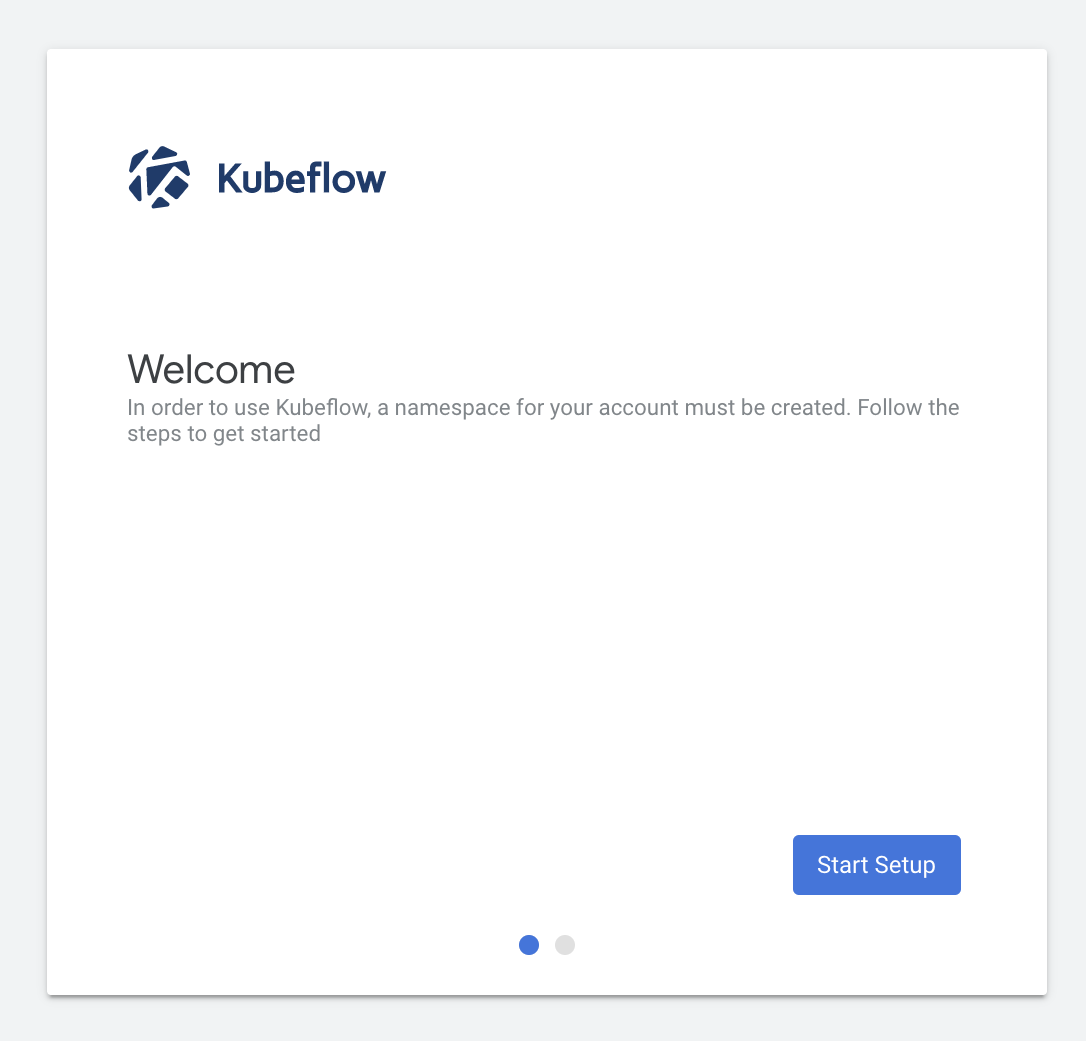
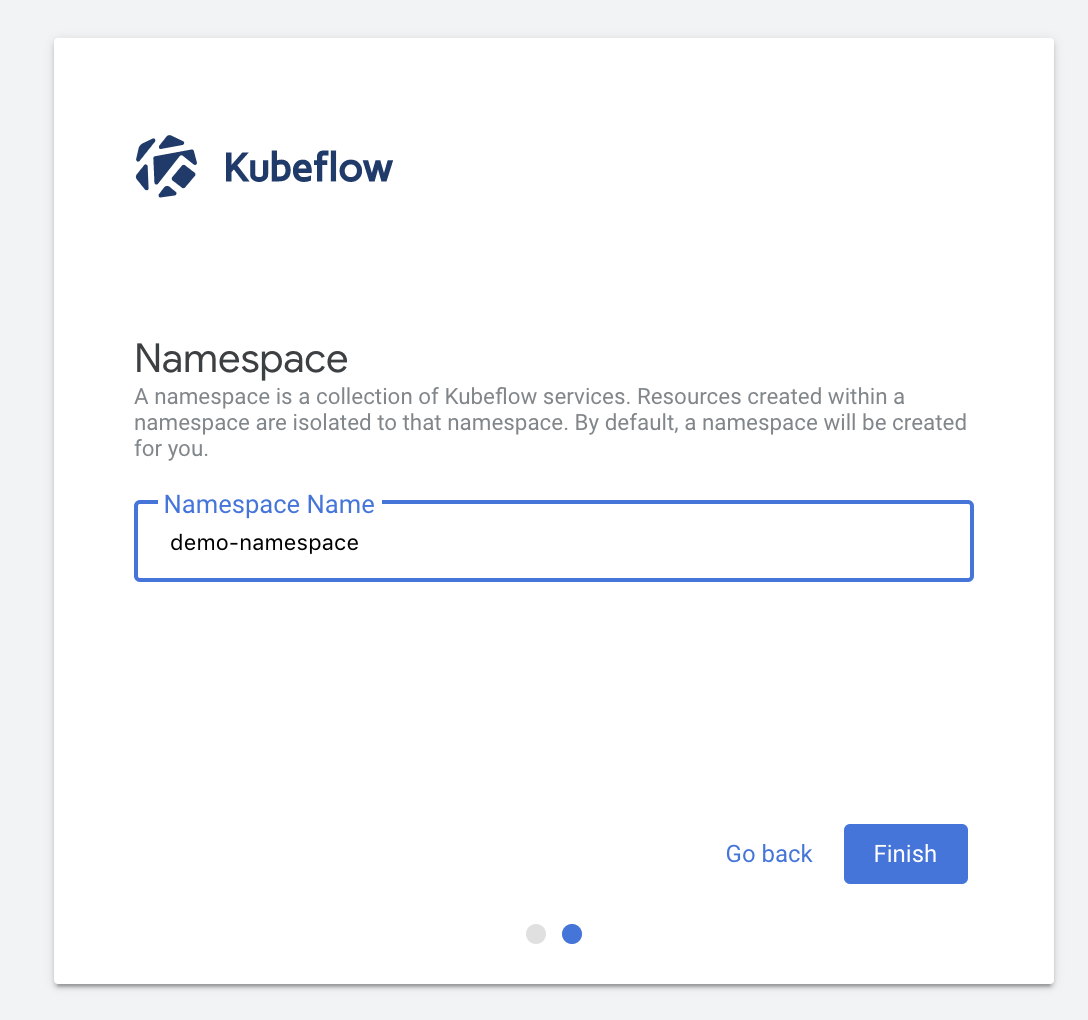
Click the button with Start Setup and type the name you want:
tip
We highly recommend using your username as the name of your Namespace. This helps keep your resources organized and easily identifiable within the cluster.
After completing this step, you will be redirected to the Kubeflow dashboard and you can start using Kubeflow to create and manage your machine learning workflows, notebooks, and pipelines within your namespace.
warning
- Namespace Isolation: Your namespace acts as a personal workspace, isolating your resources from other users. This ensures your workloads and data remain secure and separate.
- Profile Management: You can manage your profile and namespace settings anytime from the Kubeflow dashboard.
- Subsequent Logins: After the initial setup, you won’t need to repeat the namespace creation step. Logging in will take you directly to your Kubeflow workspace.